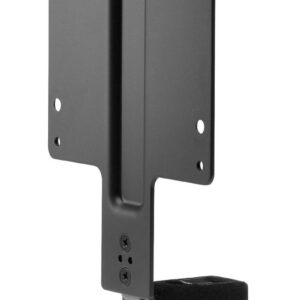
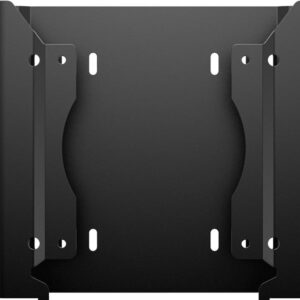
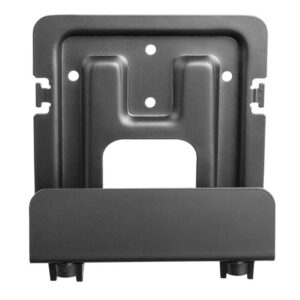
Give yourself more room to work with the tool-less HP B200 PC Mounting Bracket. It’s as simple as attaching the bracket to your monitor stand’s base and inserting four thumb-screws.
Out of the way doesn’t mean out of reach with this optimized bracket. Easily slide in your mini PC[1] and connecting devices like a mouse and keyboard is a breeze when the ports are right below your monitor stand.
Since the bracket is attached at the stand base, you can adjust your monitor’s tilt freely, to find your perfect, comfortable view.
Maximize your available work area with a single-footprint solution. Simply attach the bracket to the back of your display??s stand, and your PC platform to the bracket. It??s that easy! Reduce cable clutter with short USB A to B and DisplayPortTM cables.
Retain the comfort features of your 2017 or 2018 HP Elite Display or HP Z Display. The bracket doesn??t interfere with the monitor??s height adjustment, tilt, swivel or pivot settings.
Get the reassurance of a one-year limited warranty.
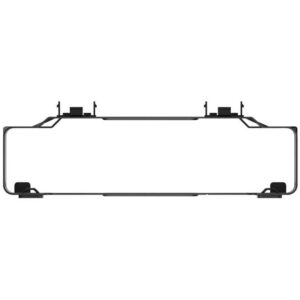
Enjoy easy access to all of your ports with a Sleeve and cutouts designed exclusively for your HP Desktop Mini PC.
Use this Sleeve with the HP Desktop Mini by itself, or with the PC and an optional storage Expansion Module, HP DM VESA Power Supply Holder Kit that simplifies cable management or HP DM VESA Quick Deploy Adhesive that supports tool-less mounting.[1,2]